



A film simulation camera does more than place a vintage effect over a photo. It shapes color, contrast, highlights, shadows, texture, and overall tone to create a repeatable visual character. Some cameras give you a set of finished looks, while others let you adjust and save your own. If film-inspired color matters to you, the real question is how much control the camera gives you over that look.
What Is Film Simulation in Digital Photography?
Film simulation is digital image processing designed to reproduce some of the visual qualities people associate with photographic film. A digital sensor still captures the original light, but software determines how that information becomes a finished image. The simulation influences choices such as color response, tonal balance, contrast, highlight behavior, shadow depth, and visible grain.
That matters because film does not have one universal look. Different film stocks can produce warmer skin tones, cooler shadows, softer highlights, stronger contrast, muted colors, or more noticeable grain. A digital film simulation tries to create a similar overall character through a group of processing choices rather than through one single effect.
Some film simulation cameras create that look entirely inside the camera, while others combine the camera with software or an app. What matters most is whether the system can produce a consistent look that fits the way you actually like to shoot.
A good simulation should also feel intentional. Warm color alone does not create a film look, and neither does adding heavy grain. The final character comes from several visual elements working together in a balanced way.
Film Simulation vs a Basic Photo Filter
The biggest difference is depth. A basic photo filter often makes a broad change to an image that has already been processed, such as warming the colors, fading the blacks, lowering saturation, or adding a texture. Film simulation can control several parts of image rendering at the same time, which gives the result a more connected and repeatable character.
Imagine a portrait taken outside near sunset. A simple warm filter might push almost every color toward orange. A more complete film-inspired look could warm the skin slightly, keep whites from becoming too yellow, soften bright areas, reduce certain colors, deepen the shadows, and add a controlled amount of grain.
Those adjustments affect different parts of the photo. Adobe's explanation of color and tonal controls in Camera Raw separates controls for highlights, shadows, tone curves, vibrance, and saturation because each one changes the image in a different way. When several of those choices are designed to work together, the result can feel much more cohesive than a one-click color overlay.
This is an important distinction when comparing cameras with film simulation. Do not look only at the number of presets listed on a product page. Look at what each preset actually changes, whether those changes can be adjusted, and whether you can return to the same look later without rebuilding it.
How Color, Contrast, Grain, Highlights, and Shadows Create Film Character
A film-inspired look is usually built from several ingredients. None of them works well in isolation, so the most convincing results come from balance rather than from pushing every effect as far as possible.
The main elements to pay attention to include:
- Color rendering: This controls how individual colors appear. One look may favor warm reds and yellows, while another may soften greens or reduce overall saturation.
- Contrast: Contrast describes the difference between lighter and darker parts of an image. More contrast can create stronger separation and deeper blacks, while lower contrast can make the image feel softer.
- Highlights: Highlights are the brightest areas of a photo. Softer highlight treatment can make bright skin, windows, clouds, and reflections feel less harsh.
- Shadows: Shadows are the darker parts of the image. Lifting them can reveal detail, while deeper shadows can give a photo more weight and mood.
- Grain: Grain is the visible texture associated with photographic film. In digital photography, grain is simulated with software rather than created by physical film material.
Film grain controls in Camera Raw show why grain itself has multiple characteristics, including amount, size, and roughness. That is one reason simply placing a noisy texture over a clean digital photo does not automatically make it feel like film. Grain needs to match the color and tonal treatment around it.
Tone curves are another important part of the process. A tone curve is a tool that maps original brightness values to lighter or darker output values, allowing shadows, middle tones, and highlights to respond differently. A softer highlight curve can change the feel of bright areas without forcing every part of the image to become darker.
For most everyday photographers, the goal is simpler: create a pleasing and consistent visual character without having to rebuild that look one photo at a time.

In-Camera Processing vs App-Based Film Simulation
With in-camera processing, the camera applies the selected look using its built-in processor before saving the finished image. This keeps the workflow simple, but lower-cost cameras often have more limited processing power. That can reduce how finely the camera separates colors, shapes tonal transitions, and handles more complex image adjustments.
A smartphone app can use more processing resources and a larger interface, which gives users more room to work with color and image effects. Instead of relying only on a small set of fixed in-camera presets, app-based systems can support deeper adjustments to color, contrast, grain, vignette, RGB balance, and other tonal settings. Users can then save those settings and reuse them as custom film looks.
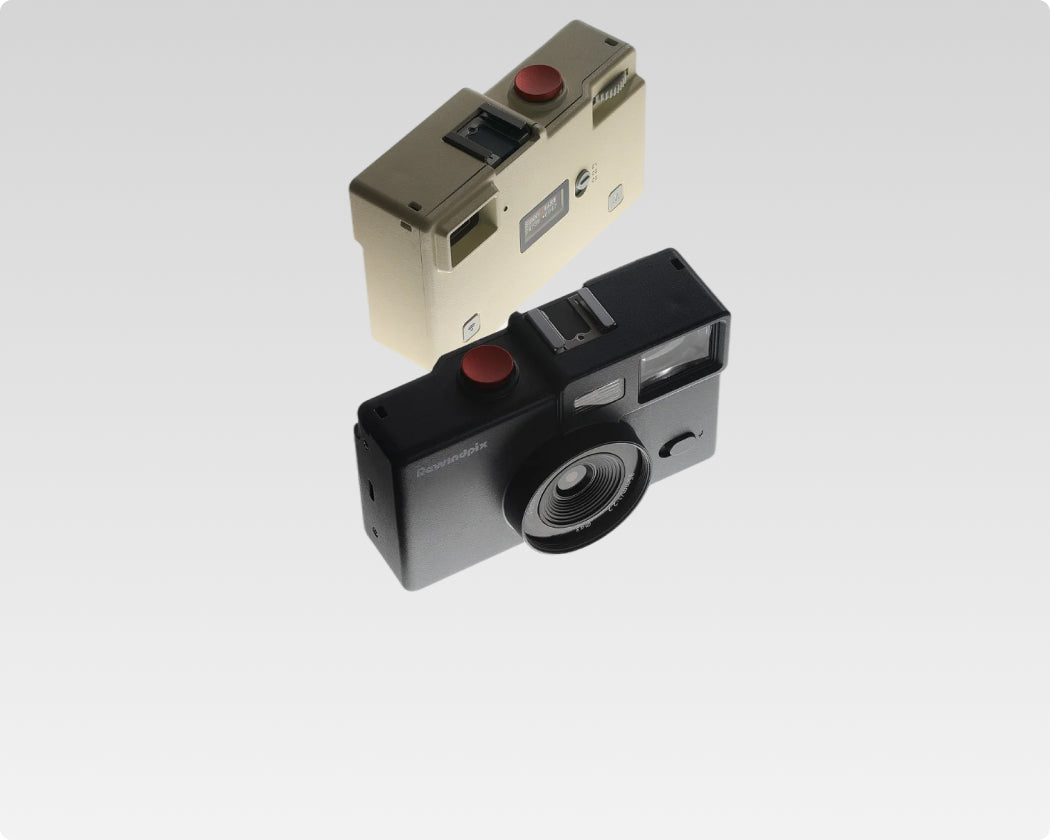
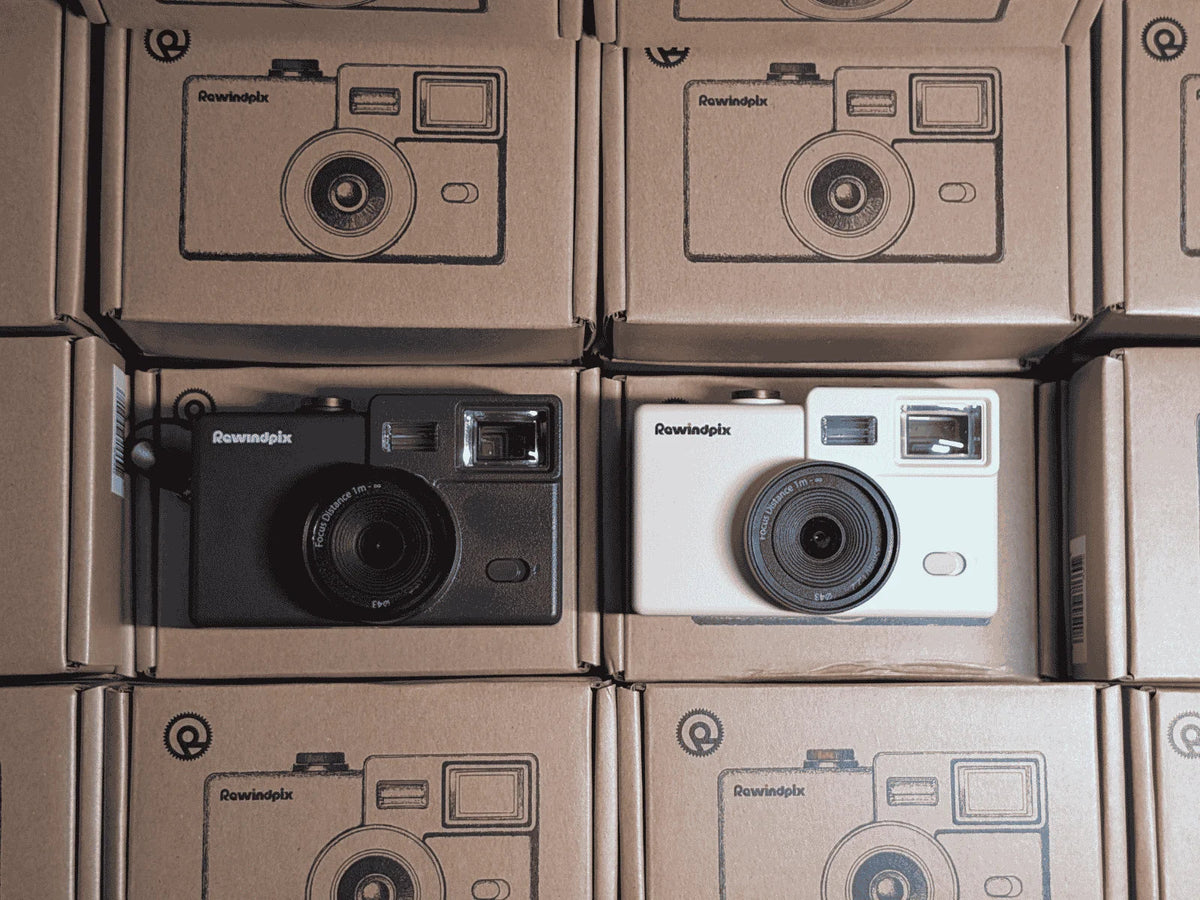
Rewindpix uses a Camera + App approach. Through its film filter app, users can freely adjust color and tonal parameters, create their own Film Stocks, and build a much wider range of custom effects. Moving more of the film-look processing and customization into the app reduces the limits imposed by the camera’s onboard processing power and opens up more room for creative control.
The camera also has an In Camera Mode for a more conventional digital shooting workflow. In this mode, photos are written directly to the SD/TF card, there is no 36-frame limit, and shooting does not depend on the app. This gives users a choice between a film-inspired roll workflow and a simpler digital shooting mode.
Fixed Film Simulations vs Customizable Film Looks
Fixed film simulations are designed for speed and consistency. You choose a preset, shoot with it, and get a repeatable look without adjusting much yourself. This works well for photographers who want film-inspired color without spending time fine-tuning settings.
Customizable systems give you more control over how that look is built. Depending on the system, you may be able to adjust color, contrast, grain, highlights, shadows, or other tonal settings, then save those choices for later use. For people comparing film simulation cameras, this flexibility can matter more than simply having a long preset list because it lets you develop a look that fits your own subjects and shooting style.
Rewindpix follows this customizable approach. Users can adjust film-look parameters in the app and save personal Film Stocks through Pro features, while the screen-free digital camera makes those saved looks part of the shooting process rather than something that has to be rebuilt for every photo. The practical advantage is simple: once you find a look you like, you can reuse it consistently and spend more time shooting instead of editing each image from scratch.

Find a Film Simulation System That Matches How You Shoot
A good film simulation camera should make your preferred visual style easier to repeat. Look beyond preset counts and pay attention to color control, tonal response, grain, customization, switching speed, and the overall shooting workflow. The right system is one that gives you enough creative control without turning every photo into an editing project.
If you prefer building your own visual style instead of choosing only from fixed presets, Rewindpix combines screen-free shooting with customizable digital Film Stocks and a mobile Darkroom. That workflow keeps film-inspired color connected to the act of taking photos while still leaving room to experiment with your own look.
Film Simulation Camera Questions Answered
Q1. Can Film Simulation Cameras Take Black-and-White Photos?
Yes. Many film simulation cameras include monochrome looks designed for black-and-white photography. These looks can shape contrast, highlights, shadows, and overall tone instead of simply removing color from the image.
Q2. Do Film Simulations Work Well in Low Light?
They can, especially when the look is designed for the scene. Low-light image quality can be challenging for compact digital cameras, but Rewindpix users can use the app to build custom filters for night and low-light photos, adjusting color and tone to create a more intentional style. This gives darker scenes more creative possibilities instead of relying on one fixed preset.
Q3. Can You Use a Flash With a Film Simulation Camera?
Yes, as long as the camera supports flash photography. Flash controls how the scene is lit, while the film simulation shapes the color and tone of the finished image, so the two can work together to create a distinctive snapshot look.
Q4. Do Film Simulations Change Skin Tones?
Yes. Different film looks can render skin tones warmer, cooler, softer, or more saturated depending on their color settings. This gives photographers more freedom to choose a look that matches the lighting, subject, and mood they want.
Q5. Are Film Simulation Cameras Good for Travel?
Yes. Cameras with film simulation can be especially useful for travel because they help create consistent, finished-looking photos without requiring extensive editing after each day. A repeatable film look also makes it easier to keep photos from a trip visually connected.

Leave a comment
This site is protected by hCaptcha and the hCaptcha Privacy Policy and Terms of Service apply.