



A camera with filters can mean several very different things. One camera may accept physical lens filters in front of the lens, another may offer a few digital color effects, while another lets you build a complete film-inspired look. Knowing the difference helps you judge how much each system can actually change and how much creative control you get before you buy.
What Counts as a Camera Filter? Physical, In-Camera, and Software-Based Options
The word “filter” is used for both hardware and software, which makes camera shopping confusing. The easiest way to separate them is to look at when the effect happens.
Physical Lens Filters
A physical filter sits in front of the lens and changes the light before it reaches the camera sensor. A UV filter can add a protective layer in front of the lens, while diffusion filters can soften highlights or create a gentler glow. Because the light itself is being changed, the effect becomes part of the captured image.
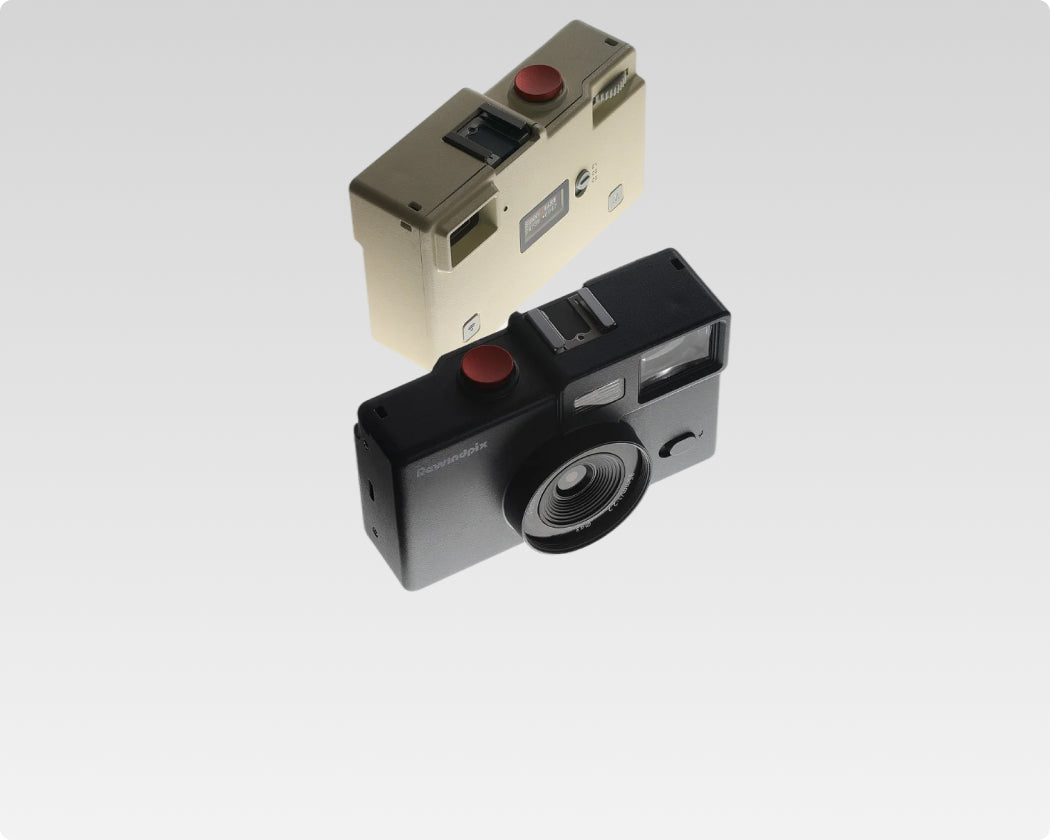
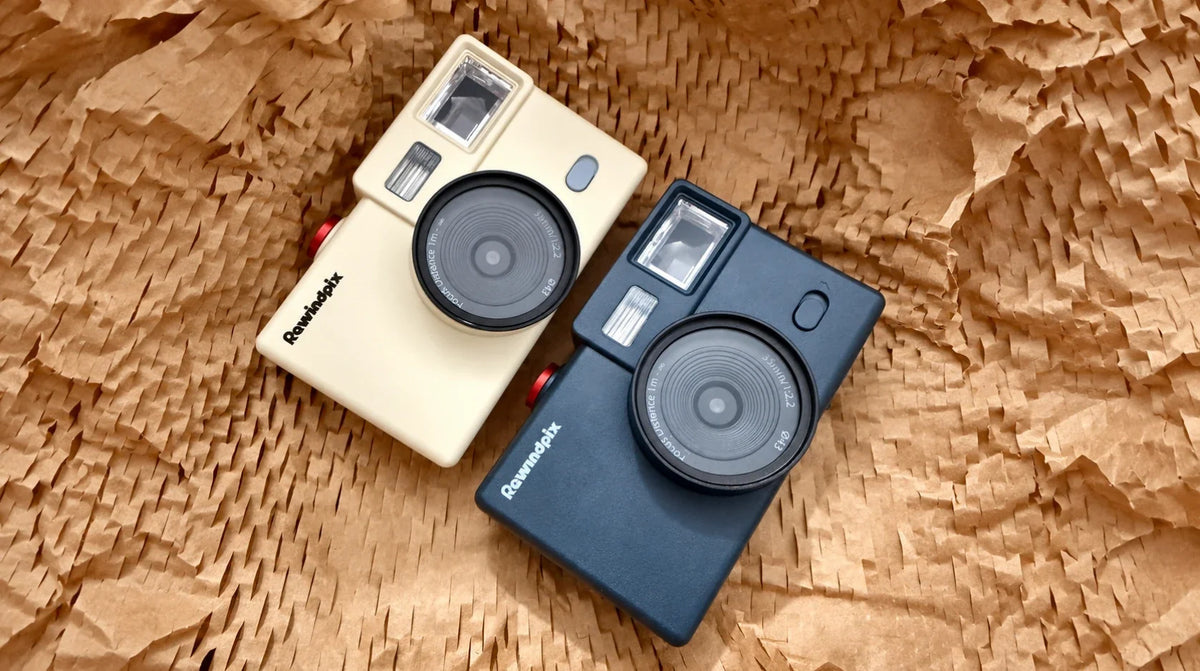
Physical filters can also be combined with digital processing. The Rewindpix screen-free digital camera, for example, has a 43mm filter thread and supports physical filters such as Black Mist, giving users another creative option alongside digital film looks.
In-Camera Digital Filters
An in-camera digital filter works after the sensor captures the scene. The camera processor changes the image according to a preset, often adjusting broad characteristics such as brightness, contrast, saturation, or overall color.
These filters are convenient because the effect is immediate. Their adjustment range can be fairly limited on simpler cameras, especially when the camera is designed around a lower-cost processor and a small set of fixed looks.
Software-Based Film Filters
Software-based systems can provide much deeper control because the processing happens in an app or another software environment with more computing resources and a larger interface.
A camera with film filter support can therefore offer more than several preset looks. Depending on the system, users may be able to change grain, contrast, vignette, RGB balance, color tone, highlights, shadows, and other image characteristics, then save the combination as a reusable look.
The difference is simple: physical filters change incoming light, while digital systems change how captured image data is rendered.

Built-In Filters vs Film Simulations: What Changes in the Image?
Basic built-in filters and film simulations can both change the appearance of a digital photo, but they often use different approaches to color processing. One useful way to understand the difference is through Look-Up Tables, or LUTs. A LUT is a table that maps input color or tonal values to corresponding output values.
Simple Filters and 1D LUTs
A 1D LUT, or one-dimensional Look-Up Table, handles color channels separately. This makes it useful for broader tonal and channel-level changes, such as adjusting brightness, contrast, gamma, or the response of red, green, and blue.
As Blackmagic Design’s LUT documentation explains, a 1D LUT works with one color channel at a time, which allows overall tonal changes but limits highly specific color transformations.
This is a useful model for thinking about many simple in-camera filters. They can adjust each color channel separately, but they cannot directly remap a color based on the combined values of red, green, and blue.
Film Filters and 3D LUTs
A 3D LUT, or three-dimensional Look-Up Table, maps combinations of red, green, and blue together. That allows much more specific transformations across the color space.
For example, a film-inspired look may keep skin relatively warm while making greens softer and blues more muted. Broad color adjustments make it harder to control these colors independently, while 3D color mapping allows more targeted changes.
This is why a more advanced film simulation can feel different from a basic color preset. It allows more targeted adjustments to different colors and their relationships, rather than applying the same broad adjustment across the entire image.
Film simulation can also combine this color treatment with contrast, grain, highlight response, shadows, and other effects. The result is a more complete image style rather than a single color adjustment.
Fixed Presets vs Custom Film Stocks: How Much Control Do You Actually Get?
The next question is how much of the look you can change yourself. A preset provides speed, while a customizable system gives you more room to develop a personal style.
Fixed Presets
A fixed preset stores a finished combination of image settings. You select it and the camera applies the same general look each time. This works well when you like the available styles and want a quick result. The main limitation is creative range. If a preset has the right color but too much contrast, for example, the camera may give you little room to change that part independently.
Custom Film Stocks
A custom Film Stock starts with a look and lets the photographer adjust more of its ingredients. Color, contrast, grain, vignette, RGB balance, and tonal characteristics can become creative choices rather than fixed settings.
Through the Rewindpix film filter app, users can adjust film-look parameters and save their own Film Stocks through Pro features. Up to three Film Stocks can be loaded onto the camera and switched between using the C1, C2, and C3 settings while shooting.
The practical benefit is variety. One user might create a softer look for sunny travel photos, a stronger direct-flash style for parties, and a different color treatment for night scenes. Once saved, those looks can be reused without adjusting the same settings for every photo.
App-based customization gives users more freedom to experiment with different color and tonal settings, create their own Film Stocks, and reuse them while keeping the shooting experience simple.

How Grain, Contrast, Vignette, and Color Tone Shape a Filtered Photo
A convincing film-inspired look usually comes from several effects working together. Heavy grain alone cannot create the whole look, and changing color alone leaves other parts of the image untouched.
The main controls each have a different job:
- Grain adds visible texture. Digital grain imitates the visual texture associated with photographic film rather than the electronic noise produced by a digital sensor.
- Contrast changes the separation between brighter and darker areas. Lower contrast can feel softer, while stronger contrast creates more defined shadows and highlights.
- Vignette changes the brightness around the edges of the frame. A subtle darkening can guide attention toward the center or add a vintage character.
- Color tone changes how colors relate to each other. Warm highlights, cooler shadows, muted greens, or shifted reds can give two versions of the same scene very different moods.
These effects can also offer different levels of customization. Adobe Camera Raw’s grain and vignette controls, for example, let users adjust grain amount, size, and roughness, while vignette controls include amount, midpoint, roundness, feathering, and highlight treatment. This shows why a customizable look can go far beyond an on/off filter effect.
A useful filter system gives photographers the flexibility to adjust these elements together.Small changes across several settings often create a more natural result than pushing one effect to an extreme.

How to Choose a Camera Filter System for Your Shooting Style
Start with how involved you want to be in creating the look. Some photographers want one button and a finished result, while others enjoy building several reusable styles for different situations. This quick comparison shows where each type fits.
| Filter System | What It Changes | Creative Control | Best Fit |
| Physical lens filter | Light before it reaches the sensor | Depends on the filter attached | Photographers who want optical effects while shooting |
| Basic built-in filter | Broad color or tonal rendering | Usually limited | Users who prefer quick, simple presets |
| Film simulation | Color relationships plus broader image character | Moderate to high | Users who want a stronger film-inspired look |
| Custom Film Stock | Color, tone, grain, vignette, and other adjustable settings | High | Users who enjoy creating and reusing personal looks |
The right choice depends on your shooting habits. A few fixed presets may be enough when speed matters most. Custom Film Stocks make more sense when you want to experiment with different moods and keep favorite combinations for later.
Physical and digital filters can also complement each other. A diffusion filter can change the light entering the lens, while a digital Film Stock controls the color and tonal character afterward. That combination gives each part of the system a separate role rather than asking one filter to do everything.
Build a Filter System Around Your Own Look
A camera with filters can offer things from a simple color preset to a complete customizable film-inspired workflow. Compare where the effect happens, how much control you have over color and tone, and whether your favorite settings can be adjusted and saved.
For photographers who enjoy experimenting, a system that combines physical filter compatibility with customizable digital Film Stocks gives more room to create different looks while keeping the shooting process simple. The best choice is the one that makes your preferred style easy to repeat.
Camera Filters and Film Stocks FAQs
Q1. Do Digital Camera Filters Affect RAW Files?
It depends on the type of filter. A physical lens filter changes the light before capture, so that effect is recorded in the image data, while many built-in digital looks mainly affect the processed JPEG or preview. Exact RAW behavior depends on the camera and software workflow.
Q2. Can You Use a Physical Filter and a Digital Filter at the Same Time?
Yes. A physical filter can change the incoming light while a digital filter changes the color and tone afterward. Combining the two can give photographers more ways to shape an image during a single shooting workflow.
Q3. Can You Change a Camera Filter After Taking the Photo?
Some digital filter systems allow the look to be changed later, especially when the original image remains available for reprocessing. Other systems apply the selected look when the JPEG is created, so the available options depend on how the camera stores and processes its files.
Q4. What Filter Makes Digital Photos Look Like Film?
There is no single setting that creates every film look. Film-inspired results usually combine color treatment, contrast, highlight and shadow behavior, grain, and sometimes vignette or glow, so a filter system with several adjustable controls offers more creative range.
Q5. Are Custom Camera Filters Good for Beginners?
Yes. Beginners can start with preset looks and gradually adjust individual settings as they learn what they prefer. Saving a successful combination also makes it easier to reuse the same style without rebuilding it for every photo.

Leave a comment
This site is protected by hCaptcha and the hCaptcha Privacy Policy and Terms of Service apply.