


A camera with a viewfinder gives you a dedicated way to frame at eye level, but optical and electronic viewfinders create very different shooting experiences. The system you choose affects what you see before pressing the shutter button, how much shooting information appears in the finder, and how you frame in bright light or at close distances.
What Does a Camera Viewfinder Actually Show You?

A camera viewfinder lets you compose a photo by looking through a dedicated viewing window or eyepiece. What you see depends on whether the camera uses an optical or electronic system.
An optical viewfinder (OVF) shows the scene through an optical path. Some OVFs look through the taking lens with mirrors and prisms, while direct optical viewfinders use a separate viewing window near the lens. In both cases, you are looking at the scene through optics rather than at a digital preview.
An electronic viewfinder (EVF) works differently. It displays a live image from the camera sensor on a small screen inside the eyepiece. Because that view is generated electronically, it can also show shooting information and reflect changes in camera settings before capture.
In simple terms, an OVF gives you an optical view of the scene, while an EVF gives you a sensor-based preview. The practical differences become clearer when you compare exposure preview, information display, bright-light use, and close-range framing.
Optical Viewfinder vs Electronic Viewfinder: How They Work Differently
The main difference is what you are looking at. An optical viewfinder shows the scene through an optical path, while an electronic viewfinder displays a live image from the camera sensor.
| Feature | Optical Viewfinder (OVF) | Electronic Viewfinder (EVF) |
|---|---|---|
| What you see | A direct optical view of the scene | A live sensor-based image on a small display |
| Exposure preview | Does not normally show the final exposure | Can preview exposure changes before capture |
| Color and white balance preview | Shows the scene optically | Can reflect white balance and image settings |
| Shooting information | Usually limited | Can show histograms, focus aids, levels, and other overlays |
| Display refresh | No electronic refresh | Depends on EVF refresh rate and display quality |
| Bright-light use | Remains clear without relying on a rear screen | Eyepiece blocks surrounding light, helping the display stay visible |
| Parallax | Possible with separate direct optical viewfinders | No finder-to-lens parallax because the view comes from the sensor |
| Power use | Optical viewing itself uses little or no display power | Requires power to run the sensor feed and display |
The choice comes down to whether you prefer a direct optical view or more live feedback while composing.
For a digital camera with viewfinder, the label OVF or EVF is only the starting point. Finder size, brightness, magnification, comfort, and how closely the view matches the final frame can matter just as much in everyday use.
Framing, Exposure Preview, and Parallax: What Changes Between Viewfinder Types?
The biggest everyday difference between viewfinder systems is how much the finder tells you about the finished photograph.
Exposure Preview and Shooting Information
An EVF can reflect changes in exposure, white balance, and other image settings before you take the photo. If you darken the exposure, for example, the view can become darker as well. This kind of real-time exposure and color preview helps photographers judge the likely result while they are still composing.
An OVF shows the scene through an optical path without simulating those changes. This keeps the view visually consistent as camera settings change and can feel more direct when following movement, expressions, or changing light.
Parallax With a Direct Optical Viewfinder
Direct optical viewfinders need one extra consideration. Since the finder and lens occupy different positions on the camera, their views can differ when the subject is close. FilmDaft explains that this parallax difference becomes more noticeable as subject distance decreases.
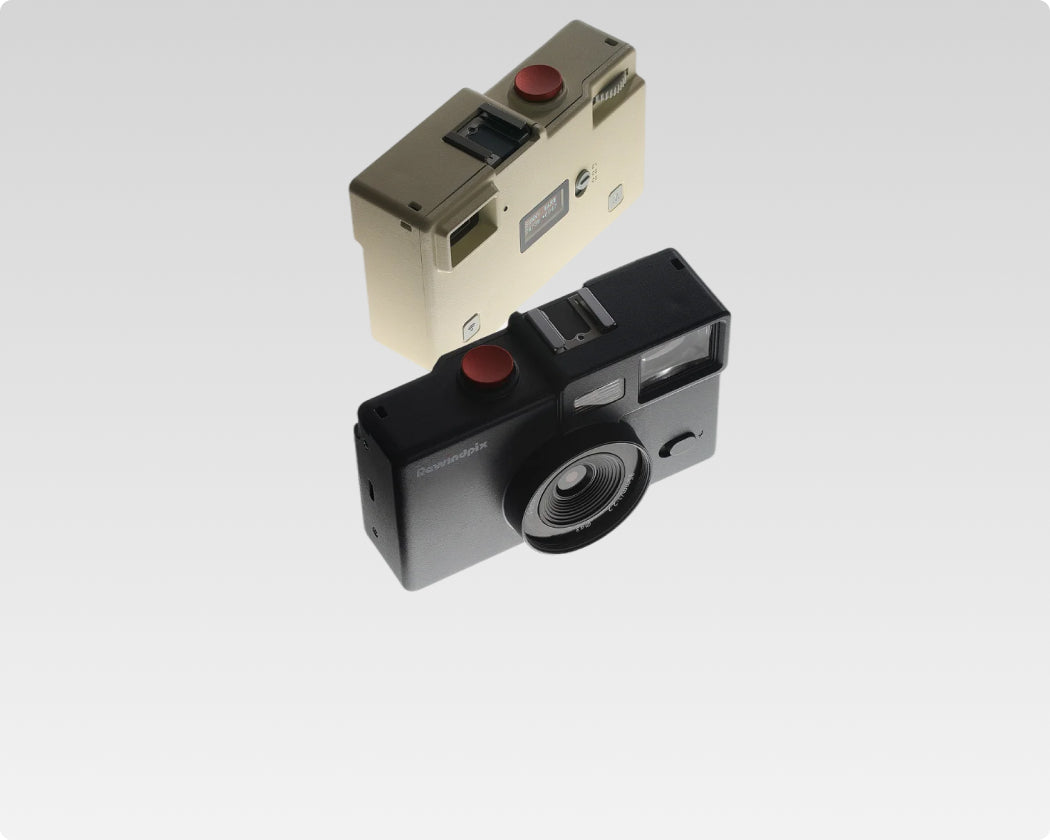
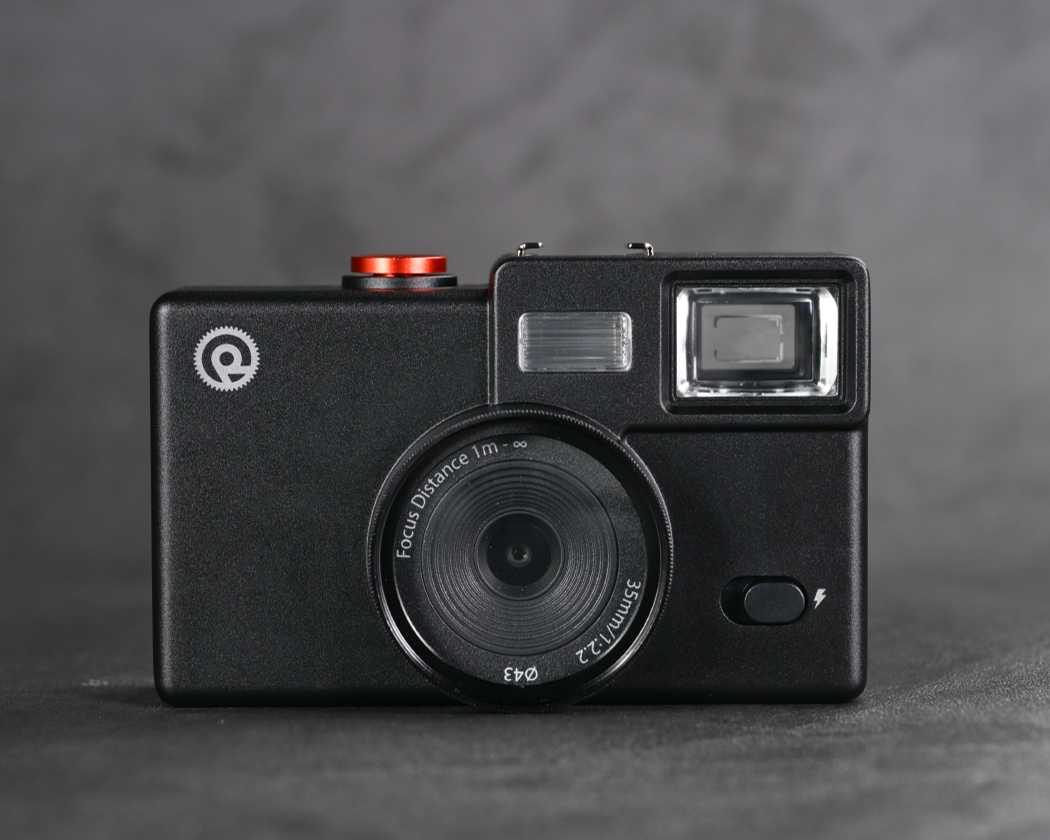
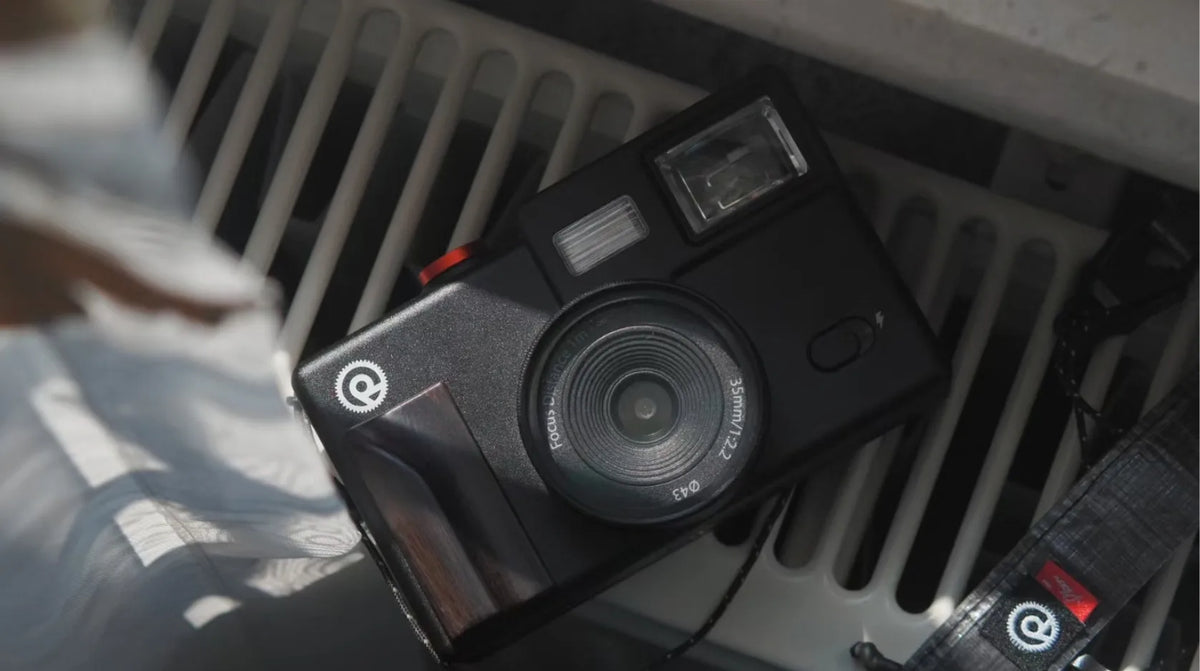
Rewindpix uses a large 25 mm × 20 mm optical viewing window for screen-free composition. Its large optical viewfinder design gives the scene a bright, spacious feel while framing through the camera.
At close shooting distances of around 1 to 3 meters, users can account for parallax with practice. Moving the camera slightly toward the upper left can help reduce the framing difference between the viewfinder and the lens at these distances.

When a Viewfinder Matters Most in Everyday and Street Photography
A viewfinder becomes especially useful when a rear screen is hard to see or when you want to stay focused on the scene. Outdoors, the eyepiece shields your view from surrounding light, which can make framing easier in bright outdoor conditions. Holding the camera to your eye also gives you a more stable shooting position and a clear frame to work within.
For street photography, that eye-level position can make it easier to follow people, wait for gestures, and react as the scene changes. You spend less time looking down at a screen and more time watching what is happening in front of you.
This also helps explain why a dedicated compact camera needs to offer something different from a phone. A compact camera built mainly around rear-screen shooting and basic automatic features can be harder to distinguish from a smartphone, which already offers a large display, computational image processing, and instant sharing. A dedicated camera becomes more distinctive when it offers a different shooting experience through features such as an optical viewfinder, tactile controls, direct flash, or screen-free photography.
For everyday photography, the value of a viewfinder comes from that difference in experience. A digicam with viewfinder gives you a dedicated space for framing and can make the act of taking a photo feel more focused and intentional.
How to Choose a Viewfinder System for the Way You Shoot
Start with what you want to see before taking the photo. OVF and EVF systems suit different habits, and neither type needs to win every category.
An optical viewfinder may fit you well if you enjoy a direct view of the scene, spend a lot of time outdoors, prefer simpler visual information, or want photography to feel less screen-centered. If you are considering a direct optical finder, also check its size, brightness, frame lines, and how the camera handles close-range parallax.
An electronic viewfinder may be a better fit if you value exposure preview, want to see the effect of white balance or image settings before capture, or regularly use focus aids and other information overlays. EVF resolution, refresh quality, magnification, and comfort are worth comparing because the finder itself is a display.
For any digital camera with viewfinder, consider these practical details:
- Finder size and brightness: A larger, clear viewing area makes framing more comfortable.
- Field-of-view coverage: Check how closely the viewfinder represents the final frame.
- Eye relief and diopter adjustment: These can make a noticeable difference for people who wear glasses or need vision correction.
- Parallax behavior: Relevant mainly to separate direct optical finders at closer distances.
- Information display: Decide whether you want a clean view or more exposure and focus data while composing.
- Rear-screen relationship: Some cameras pair the viewfinder with full rear-screen review, while screen-free designs create a different shooting rhythm.
The choice becomes easier once you think about how you actually frame photos. A street photographer may prefer a bright optical window and fewer digital overlays. Someone who carefully adjusts exposure before every shot may appreciate the live feedback of an EVF.
Choose a Viewfinder That Keeps You Connected to the Scene
A camera with a viewfinder should make composition feel natural in the situations you photograph most. Consider finder size, brightness, information display, close-range framing, and how much preview feedback you want before the shutter press.
The right system is the one that helps you frame comfortably and stay engaged with the scene, whether that means a clean optical window or a more information-rich electronic view.
FAQs About Camera Viewfinders
Q1. Do All Digital Cameras Have a Viewfinder?
No. Many compact and entry-level digital cameras rely only on a rear display, while other models include an optical or electronic viewfinder. Check the camera specifications if eye-level framing is important to you.
Q2. Can You Add a Viewfinder to a Digital Camera?
Some cameras support optional external viewfinders, but compatibility depends on the camera body and accessory system. Many cameras are designed around a built-in finder, so an external option cannot be added universally.
Q3. Can You Use a Camera Viewfinder With Glasses?
Yes. Look for enough eye relief so you can see the frame comfortably while wearing glasses, and check whether the camera has a diopter adjustment for fine-tuning the finder to your eyesight. Comfort can vary between cameras, so finder design matters as much as the basic OVF or EVF label.
Q4. Does an Electronic Viewfinder Use More Battery?
Yes, an EVF needs power because it is an electronic display receiving a live feed from the sensor. Actual battery impact varies with the camera, display settings, and how long the finder stays active during shooting.
Q5. Is a Viewfinder Better Than a Rear Screen?
It depends on how you like to shoot. A viewfinder can be easier to see in bright conditions and gives you a more enclosed eye-level frame, while a rear screen can be useful for unusual angles and quick review. Many photographers use both depending on the scene.

