

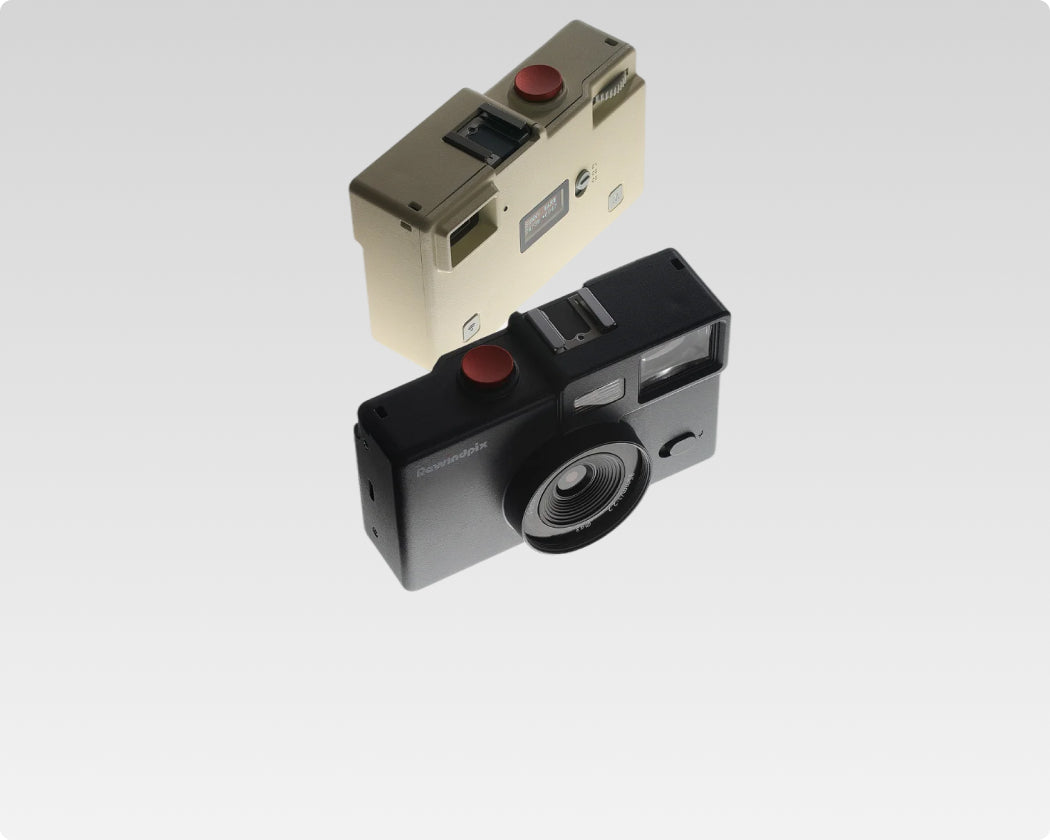

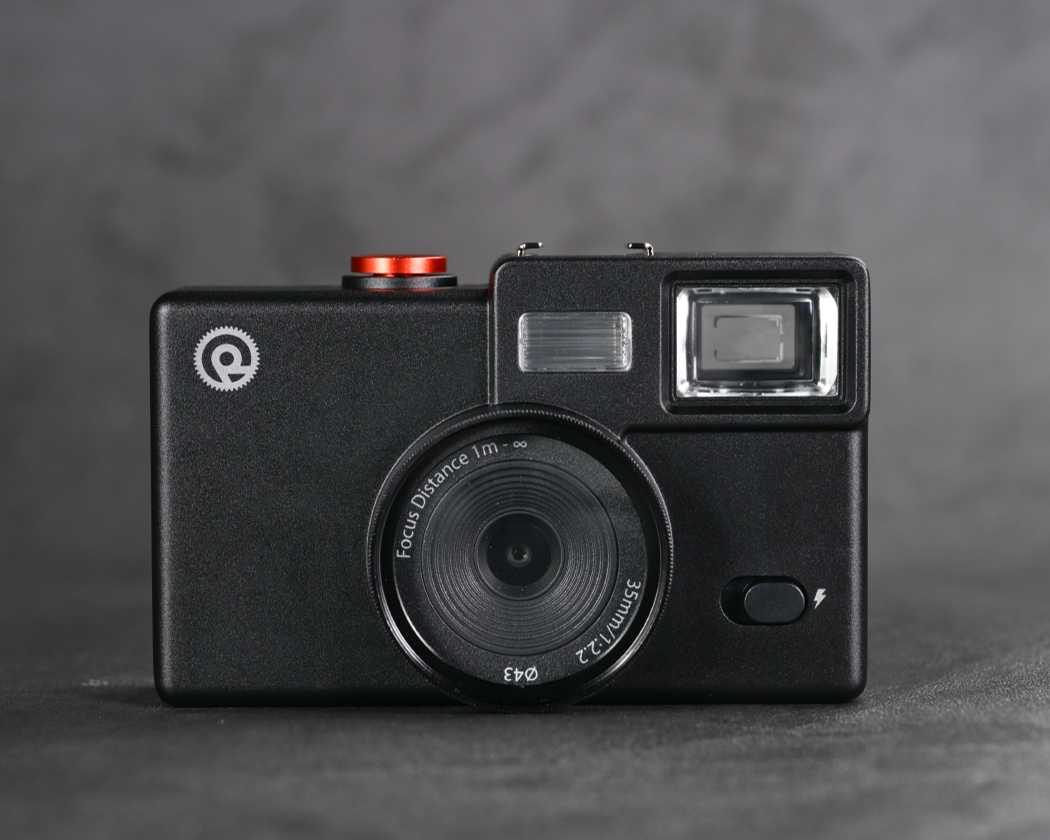
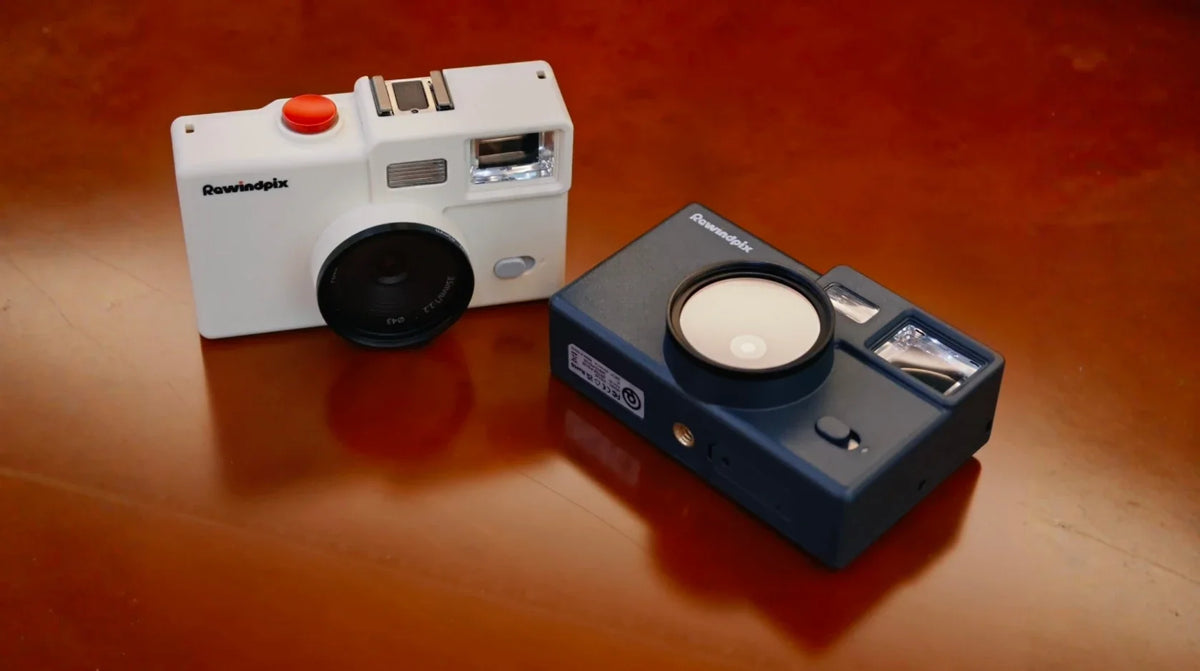
A retro style digital camera can look like it came from another decade and still behave like any modern camera. The stronger film connection comes from the shooting process itself: looking through a viewfinder, pressing physical controls, advancing after each frame, working within a limited roll, and waiting to see the results. These choices change your pace and attention, which is why the experience can feel very different from shooting with a phone or screen-first camera.
Retro Design and Retro Shooting Experience Are Not the Same Thing
Retro appearance is mostly visual. A camera can create a retro look through classic body shapes, textured finishes, metal-style controls, and vintage-inspired colors. Those details affect how the camera feels in your hand, but they do not automatically change how you take photos.
A retro shooting experience comes from what happens before, during, and after pressing the shutter. Several design choices can create that rhythm:
- An optical viewfinder on a screen-free camera keeps your attention on the scene rather than an image preview.
- Physical controls give your hands a clear role in taking each photo.
- A manual winding action creates a pause between frames.
- Limited shots and delayed review reduce the urge to shoot repeatedly and check every result.
These features matter because photography is partly a sequence of decisions. When the camera adds a small action or pause between those decisions, each frame can feel more deliberate.
That is why two retro digital cameras with similar styling can feel completely different in use. One may operate like a standard digital compact dressed in retro styling, while another builds more of the film shooting rhythm into its controls and workflow.
How Physical Controls Make Photography Feel More Tactile
Physical interaction changes the pace of photography because your fingers learn a simple sequence: hold, frame, press the shutter, wind, and shoot again. The camera becomes something you operate rather than a device you mainly navigate through menus.
A Physical Shutter Button Creates a Clear Moment of Capture
A large shutter button makes the moment of capture feel more tangible. You can find it by touch without looking down at the camera, press it when the moment arrives, and know you've taken the shot.
This sounds simple, but simplicity is part of the appeal. A vintage style digital camera feels more direct when important controls remain easy to find by touch. Whether you're photographing street scenes, friends, travel moments, or everyday life, fewer steps between seeing something and taking the photo can keep attention on the subject.
Manual Winding Adds a Pause Between Frames
Film cameras traditionally advance the film after an exposure. Adobe's explanation of the film photography process notes that after a film frame is exposed, the film is advanced so an unused section is ready for the next shot. Digital cameras have no physical film to move, but a mechanical winding action can recreate that hand movement and pacing.
On the Rewindpix camera, the mechanical winder is part of the shooting sequence. Winding after a shot prepares you for the next frame, so rapid, thoughtless tapping becomes less natural. The pause is short, but it creates a clear separation between one photograph and the next.
Why a Viewfinder Changes the Way You Frame and Observe
A rear screen gives you a small live image to compose on. An optical viewfinder creates a different relationship with the scene because you bring the camera to your eye and look through an optical window.
That physical position matters. You stay focused on the scene through the optical viewfinder rather than watching it on a screen held at arm's length. You can watch people move, wait for expressions, and decide when the frame feels right.
A large optical viewfinder can also make casual composition easier because the scene is clear and immediate. The Rewindpix PS135 screen-free digital camera uses a 25 mm × 20 mm optical viewfinder with frame lines, giving users a dedicated space for composing without relying on an image-review screen.
Separate optical viewfinders can show parallax at close distances. Parallax is the small framing difference caused by the lens and viewfinder seeing the subject from slightly different positions. It becomes most noticeable when photographing nearby subjects and can be compensated for with practice.
The experience also changes because the viewfinder does not show a processed preview of the final film look. You compose the scene first and discover more of the finished result later.

How Limited Frames and Delayed Review Change Your Shooting Rhythm
Traditional digital photography makes abundance easy. A large memory card can hold thousands of images, and a rear screen lets you check the result seconds after every shot. That convenience can encourage repeated frames of the same moment.
Film works with a different rhythm. Adobe notes in its film versus digital comparison that limited exposures can encourage more purposeful shooting, while film photographers also have to wait for development before seeing their results. Those two limits influence when photographers press the shutter and how much attention they give each frame.
A digital camera can recreate parts of that behavior without using real film. A 36-frame digital roll gives the session a beginning and an end. Without instant on-camera photo review, you're less likely to fall into the cycle of shooting, checking, and reshooting the same moment.
The result is less interruption during the session. You may spend more time watching what happens in front of you because the camera is not constantly asking you to judge what already happened.
Screen-free shooting still needs useful information. A small status display can show details such as battery level, selected film look, shooting mode, and frame counter without becoming a screen for reviewing photos.
From Taking the Shot to Seeing the Roll: Bringing Film Ritual Into Digital Photography
The complete workflow matters more than any single retro feature. A mechanical winder can be fun on its own, but combining winding, limited frames, screen-free shooting, and delayed viewing creates a more connected experience.
In Film Mode, the film filter app lets users select film stocks and load them before shooting. The camera then treats the session as a 36-frame digital roll. After shooting, the roll is unloaded into the app, where the photos appear in the Darkroom for viewing and saving. This recreates a simple sequence of loading, shooting, finishing a roll, and seeing the results later.
That rhythm also shows up in real use. A first-hand Japanese review of the camera describes the fun of taking it outside, winding after each frame, shooting without knowing exactly how the images turned out, and then feeling the anticipation when the roll is finally developed. The reviewer specifically connected those actions with the nostalgic pleasure of using film cameras and said the camera made going out to take photos enjoyable again.
Digital convenience remains available when that ritual is not what you want. In Camera Mode, photos can be written directly to the SD/TF card without the 36-frame structure, and normal shooting does not require the app. Having both options lets the same camera fit different moods rather than forcing every session into one format.
The two modes offer different shooting experiences. Film Mode brings the anticipation of completing a roll and viewing the photos afterward, while Camera Mode offers a more straightforward shooting experience.

Bring More Intention Back to Everyday Photography
A retro style digital camera feels most like film when the experience extends beyond its appearance. An optical viewfinder, physical controls, manual winding, limited frames, and delayed review can all change how quickly you shoot and how much attention you give each frame. For photographers who enjoy a slower, more tactile rhythm, those details can make everyday shooting feel more engaging without giving up the convenience of digital photography. The most meaningful retro experience comes from how the camera fits into the act of taking photos, not just how vintage it looks.
Retro Camera Shooting Experience Questions
Q1. What Is a Retro Style Digital Camera?
A retro style digital camera combines digital image capture with design or shooting features inspired by older film cameras. Depending on the model, that can include classic styling, physical controls, an optical viewfinder, film-inspired colors, or a screen-free shooting experience.
Q2. Do Retro Digital Cameras Use Real Film?
No. Retro digital cameras record photos electronically, usually to internal storage or a memory card. Film-inspired controls and workflows can recreate parts of the analog experience without requiring physical film or chemical development.
Q3. Are Retro Digital Cameras Good for Beginners?
Yes. Many are designed around straightforward shooting and can help beginners focus on framing, timing, light, and everyday subjects. A simpler control layout can also make photography feel less intimidating than a camera filled with complex menus.
Q4. Can Retro Digital Cameras Offer a Regular Shooting Mode?
Yes, depending on the camera's available modes. Some models combine a film-inspired shooting experience with a more conventional digital mode, so users can choose the workflow that fits a particular outing or subject.
Q5. What Gives Digital Photos a Retro Look?
Color rendering, contrast, grain, flash, lens characteristics, and tonal treatment can all contribute to a retro appearance. The strongest results usually come from several of these elements working together rather than from a single vintage effect.

